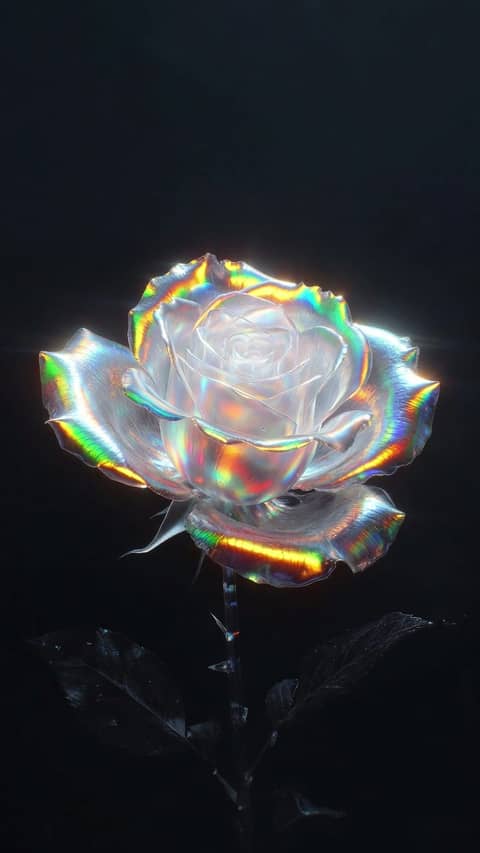

Live Photo wallpapers for the iPhone Lock Screen.

Curated Live Photo wallpapers that move when your iPhone Lock Screen wakes — and a way to make your own.

Now in the collection

Lunar FlagSpace
Dustbound KnightFantasy
Bloom HouseOpulent
Orbiting ProfileSurreal
Graffiti GoldfishAnimals
Poolside IgnitionMinimal
Shadow AlignmentRetro
Moonlit FoxAnimals

Three taps from here to your Lock Screen

  1. 01

    Pick a wallpaper

    In Elyxo

  2. 02

    Save it as a Live Photo

    It lands in Photos

  3. 03

    Set it on your Lock Screen

    Settings › Wallpaper, choose Live Photo

Full walkthrough

Every wallpaper here is made for one screen.

The subject sits below the clock. The motion lands where your eye already is.

Nothing is cropped from something else.

170 wallpapers · updated July 2026

Elyxo for iPhone

Free to browse. Founder's unlock for the full collection.

Get Elyxo